




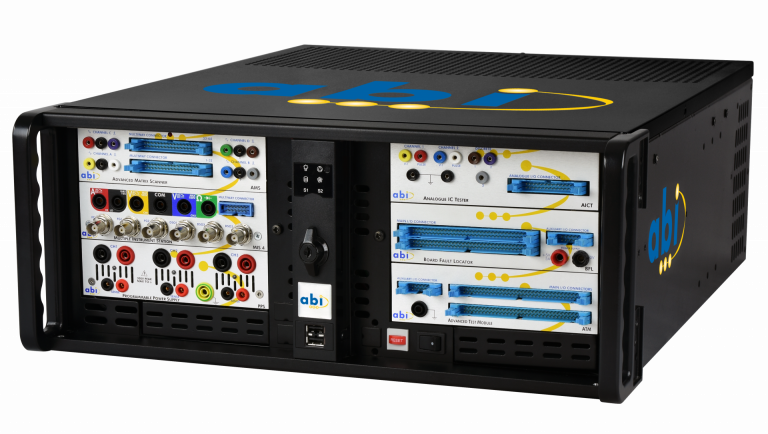
BoardMaster
A uniquely versatile, self-contained and easy to use test system, offering the most complete set of diagnostic instruments for fault-finding on almost any kind of PCB….
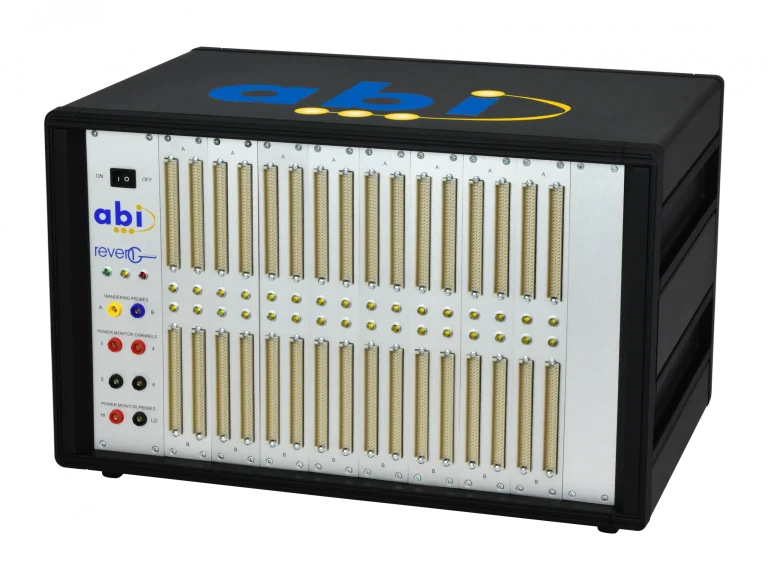
RevEng
A highly effective and efficient method of producing professional grade circuit diagrams from a sample board. Reverse engineer your PCBs fast and accurately...
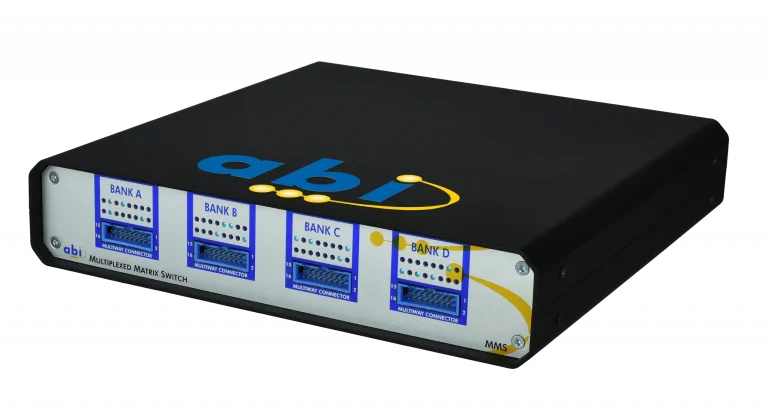
MMS
Advance your BoardMaster potential with automated functionality. The Multiplexed Matrix Switch measures and compares up to 64 points on a circuit board...
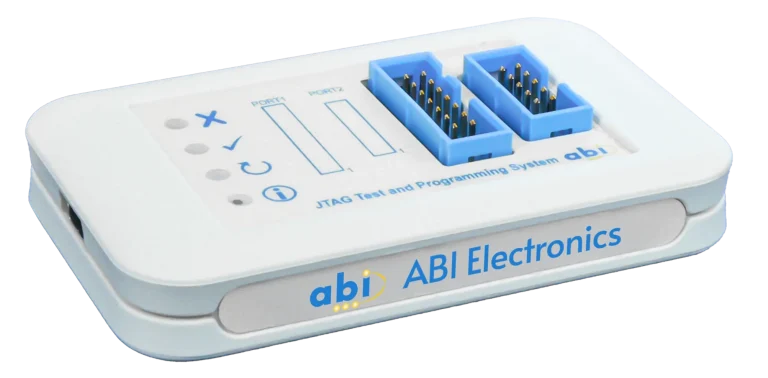
JTAGMaster
A fully integrated system for the configuration and diagnosis of Programmable Logic Devices (PLDs) and programming of EEPROMs...
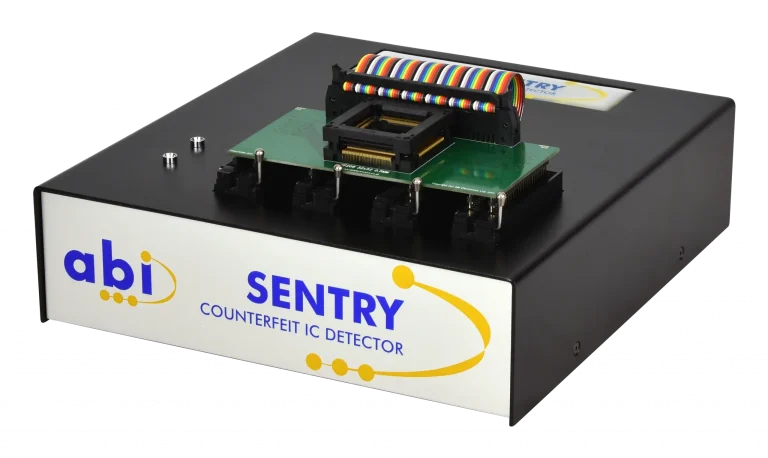
SENTRY
Quickly detect counterfeit and non-conforming components with SENTRY, an ideal addition to your anti-counterfeit measures and goods inwards inspections...
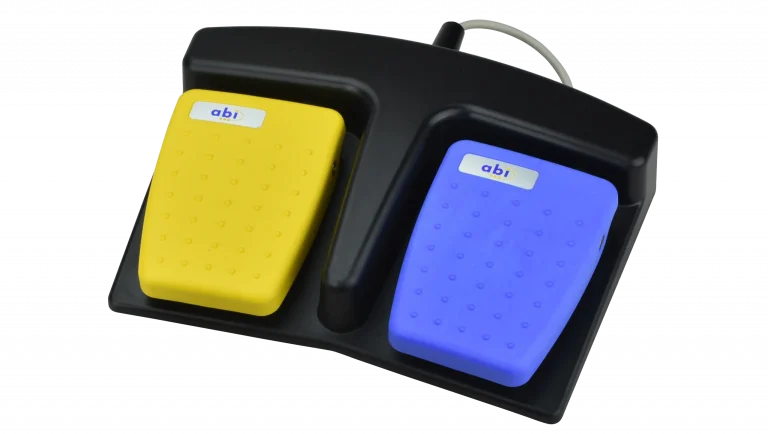
Accessories
Tailor your BoardMaster set-up to fit any specific, individual requirements with our wide range of accessories and customised solutions...